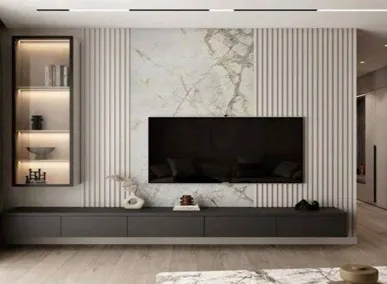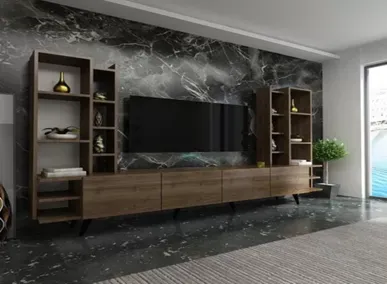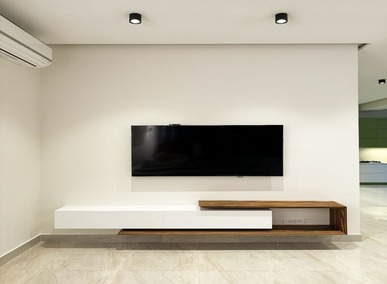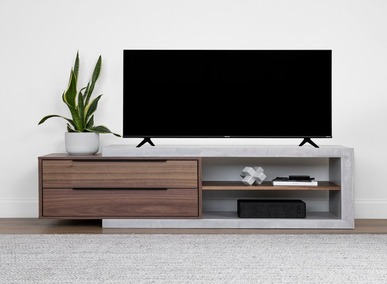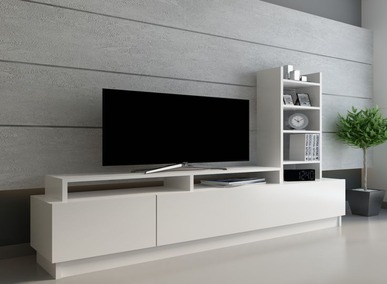
Messy cables can ruin the look of even the most stylish living room. A TV cabinet is not only a functional furniture piece but also a place to keep your wires organized and hidden. Knowing how to hide cables in a TV cabinet can make your setup look clean, organized, and professional. This guide will show you practical tips for cable management and give your living space a polished appearance.
Choose the Right TV Cabinet
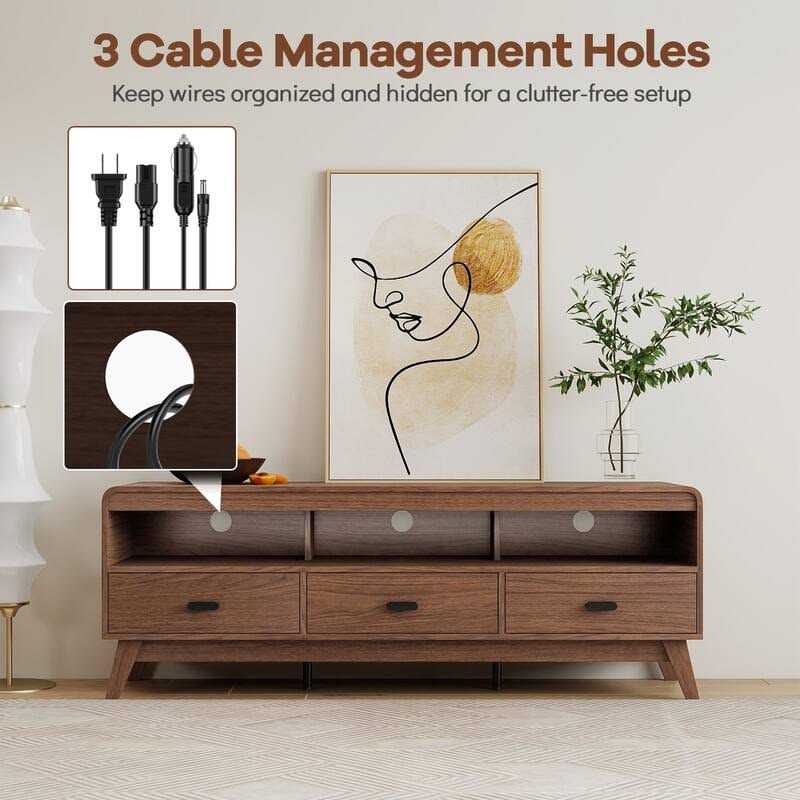
The first step to hiding cables is selecting the right living room TV cabinet. Some cabinets come with built-in cable management features, such as:
- Rear cut-outs for power cords and HDMI cables
- Compartments or drawers to hide consoles and devices
- Adjustable shelving to keep devices elevated
By choosing a cabinet designed for cable management, you can save time and avoid a cluttered setup.
Use Cable Management Accessories
Even with a good cabinet, extra accessories can make hiding wires easier. Some helpful items include:
- Cable sleeves or covers to bundle multiple wires
- Velcro straps to tie up loose cords
- Cable clips to attach cords along cabinet edges
- Raceways to run wires along walls or behind furniture
These tools prevent cables from tangling and keep them out of sight.
Position Devices Strategically
Placement of devices in your TV cabinet can reduce visible wires. Tips include:
- Keep consoles, routers, and sound systems close to the TV to minimize cable length
- Use back compartments to hide devices from direct view
- Route cables behind furniture panels for a cleaner look
A strategic arrangement of devices reduces clutter and makes cable management much easier.
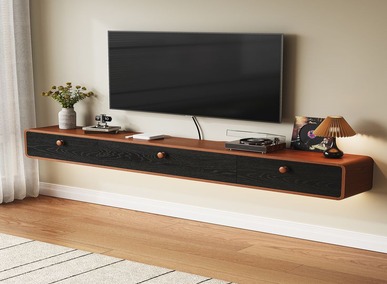
Consider Wall-Mounted or Floating Cabinets
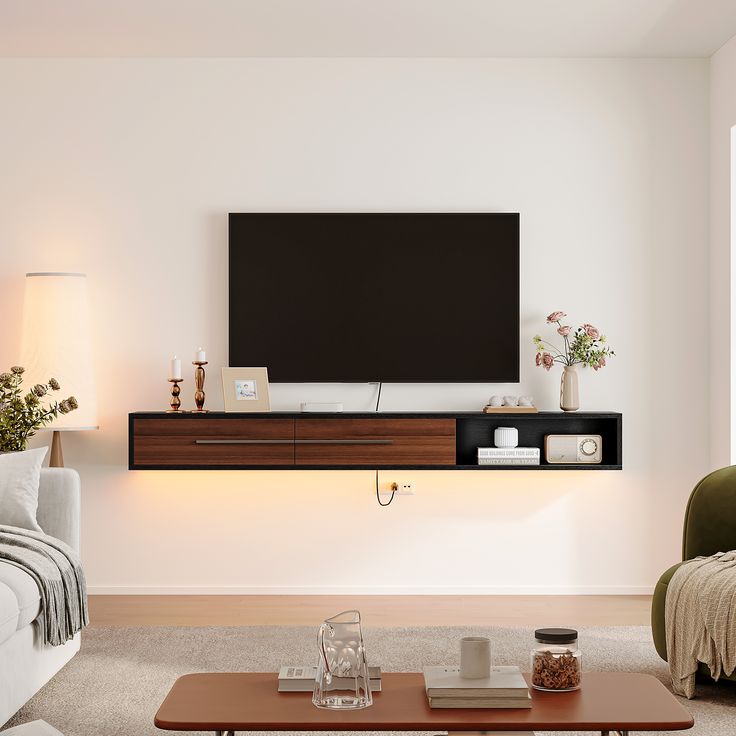
If you have a small living room, wall-mounted or floating TV cabinets can help hide cables more effectively. Benefits include:
- Cables can be routed directly into the wall for a seamless look
- Frees up floor space and creates a modern, minimalist appearance
- Easier to clean around and under the cabinet
Floating designs also give you flexibility to hide wires behind panels or inside drawers.
Label and Organize Cables
Organizing cables is not just about hiding them — it’s about knowing which cord goes where. You can:
- Use labels to identify HDMI, power, or audio cables
- Color-code cords with tags or tape
- Bundle similar wires together to avoid confusion
This saves time when upgrading devices or troubleshooting connection issues.
Keep It Clean and Accessible
While hiding cables is important, accessibility matters too. Ensure:
- You can easily reach power outlets
- Devices are ventilated to prevent overheating
- Drawers and shelves allow easy access to ports
This balance between concealment and functionality ensures your living room stays neat without compromising performance.
Related Products
4 Drawer TV Console with Coffee Table
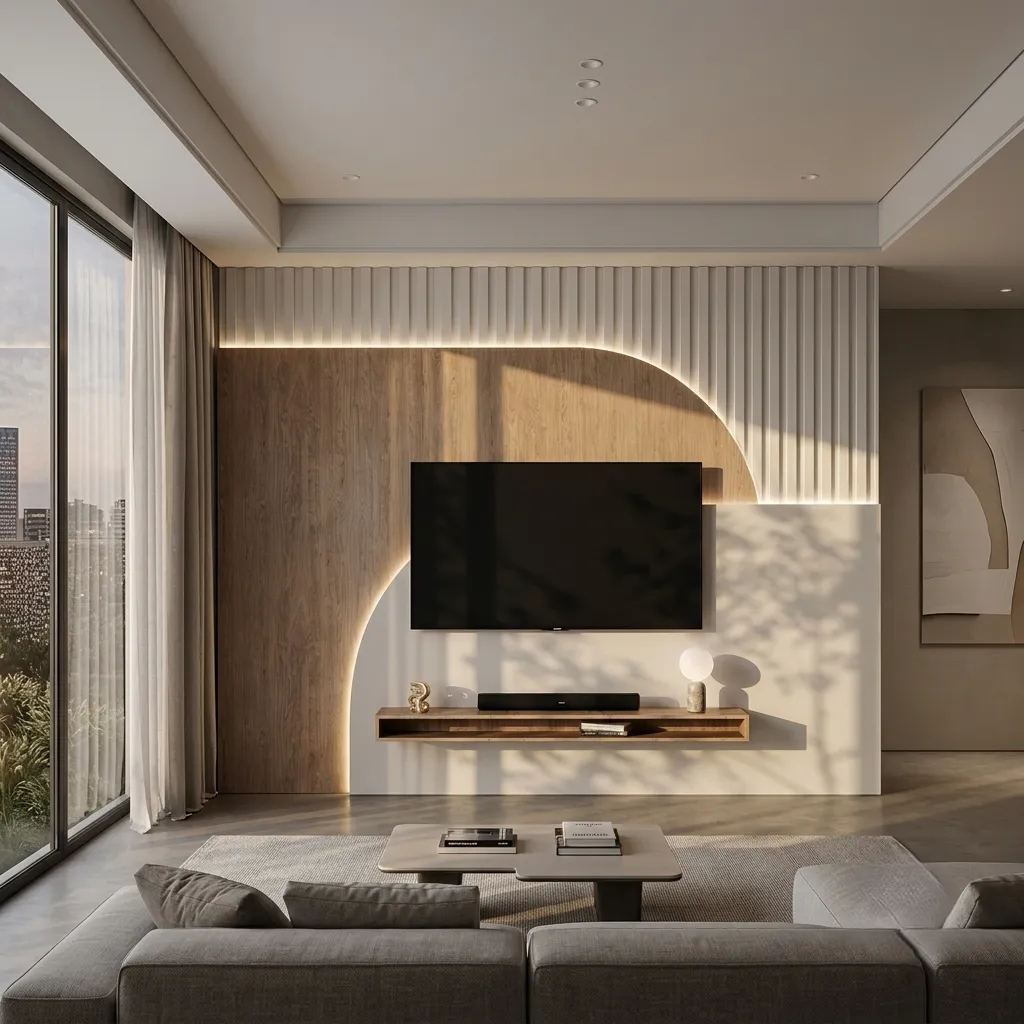
Price range: 2399AED through 5399AEDAadrex Curved Panel Entertainment Wall Unit
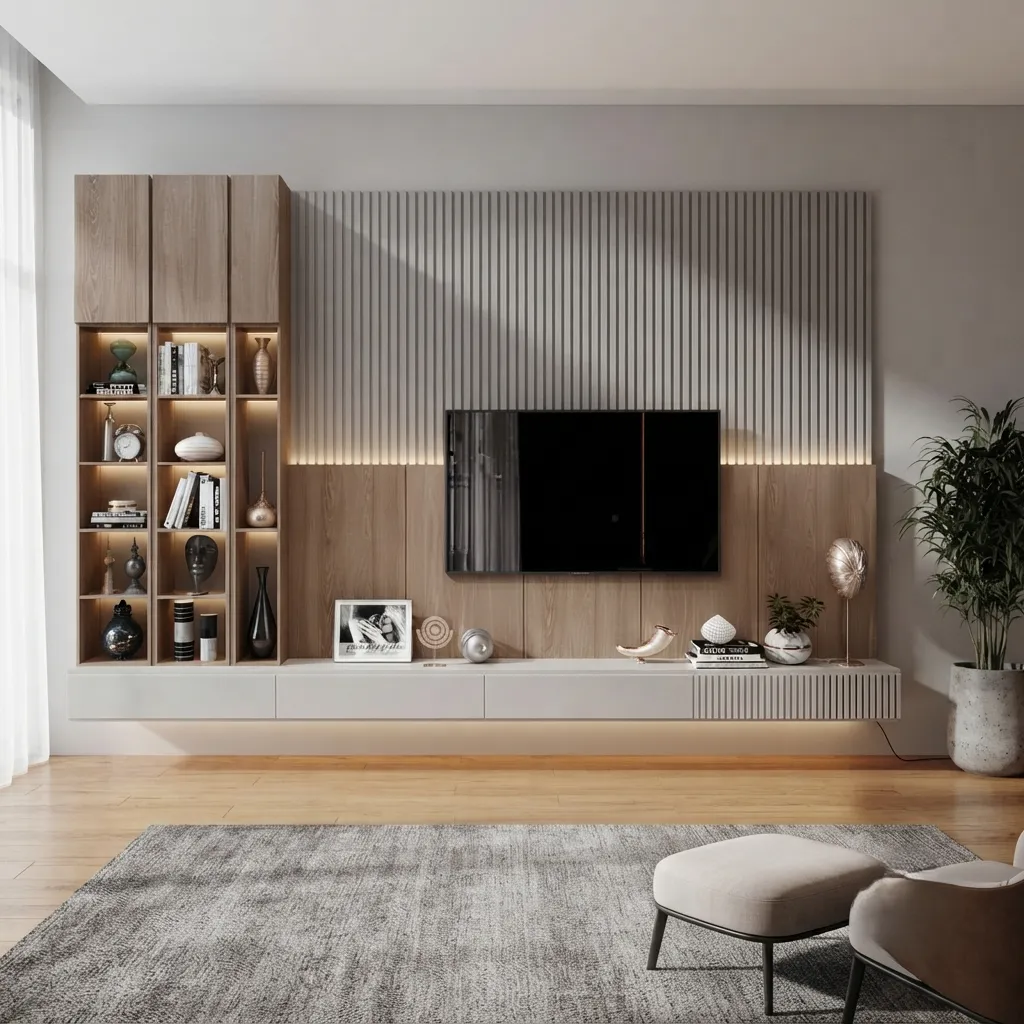
Original price was: 4600AED.2999AEDCurrent price is: 2999AED.Aadvin Floating TV Unit with Slat Wall & Shelves
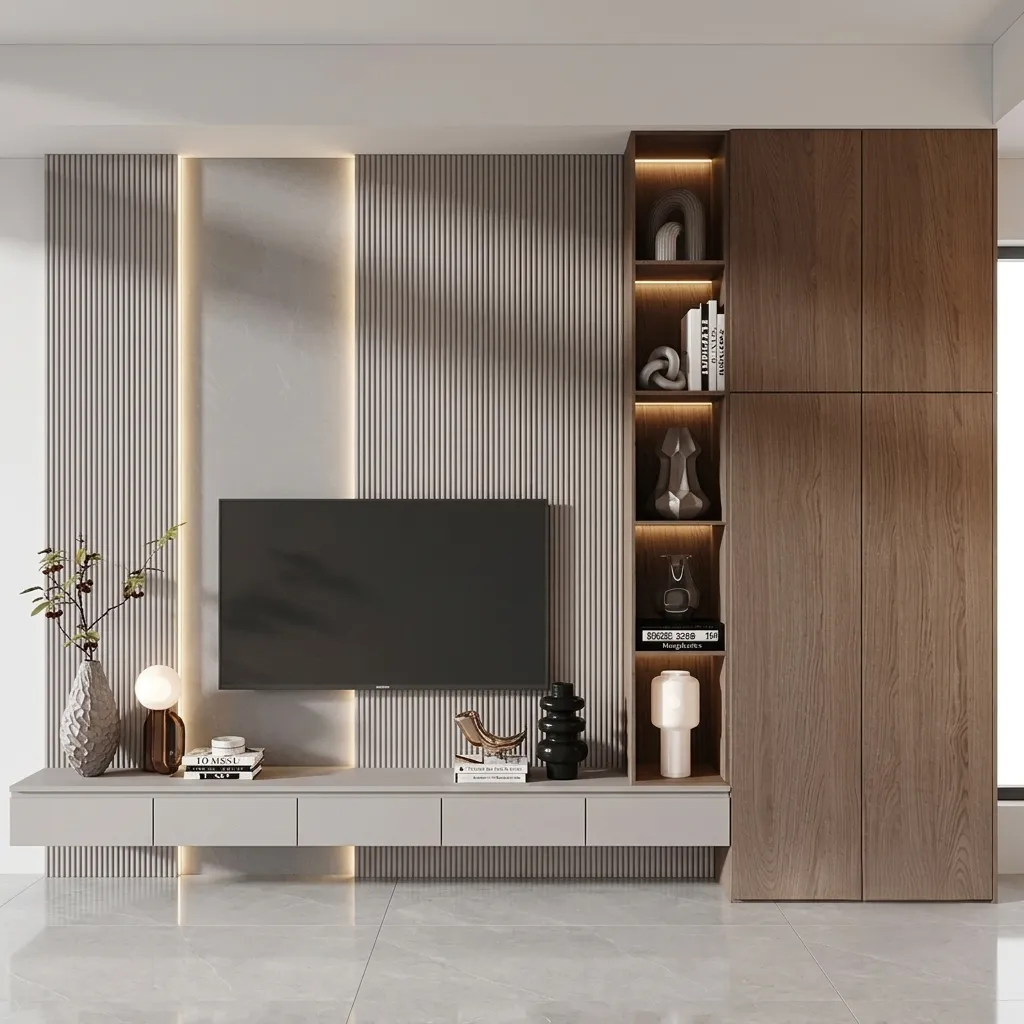
Original price was: 7900AED.5699AEDCurrent price is: 5699AED.Aalix Fluted TV Wall Panel with Storage Tower
Original price was: 7800AED.5299AEDCurrent price is: 5299AED.

Conclusion
Hiding cables in a TV cabinet doesn’t have to be complicated. By choosing the right living room TV cabinet, using cable management accessories, strategically placing devices, and organizing wires properly, you can achieve a clean and organized entertainment setup. Follow these tips, and your living room will look clutter-free, stylish, and professional. Explore our collection of living room TV cabinets to find the perfect fit for your home.